How it works
Up and posting today.
Short, step-by-step guides for the things you’ll do most.
5 minutes
Set up in five minutes
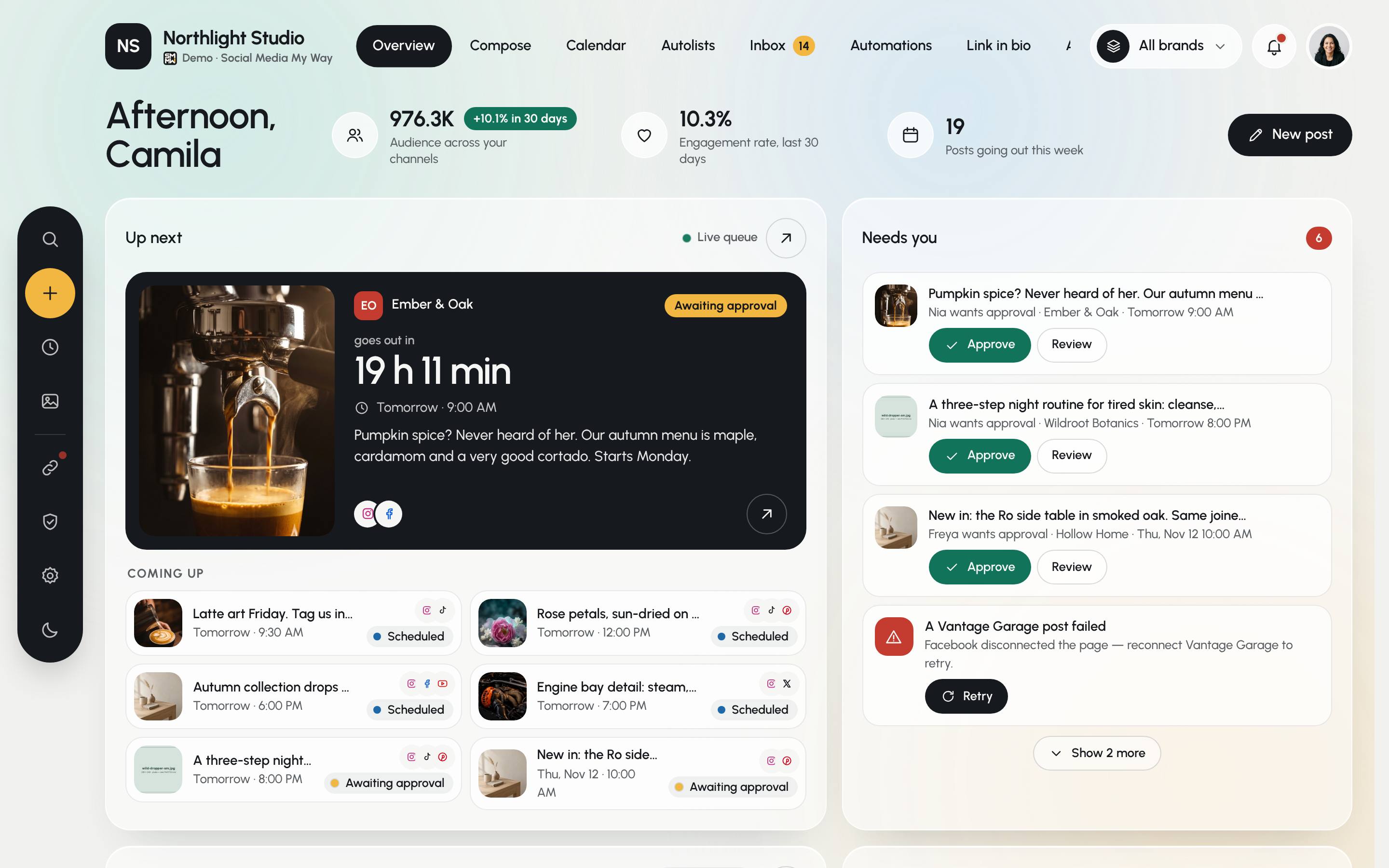
- Create your accountFree for 14 days, no card. Name your workspace and your first brand.
- Add your logo and coloursThe workspace wears them: buttons, header and the review links your clients open.
- Connect your accountsSetup → Connections: sign in with each network’s app, or add your Zernio, Ayrshare or Upload-Post key and import the accounts you’ve already connected there.
- Invite your teamTeam → Invite: pick each person’s role and which brands they can see.
1 minute
Schedule your first post
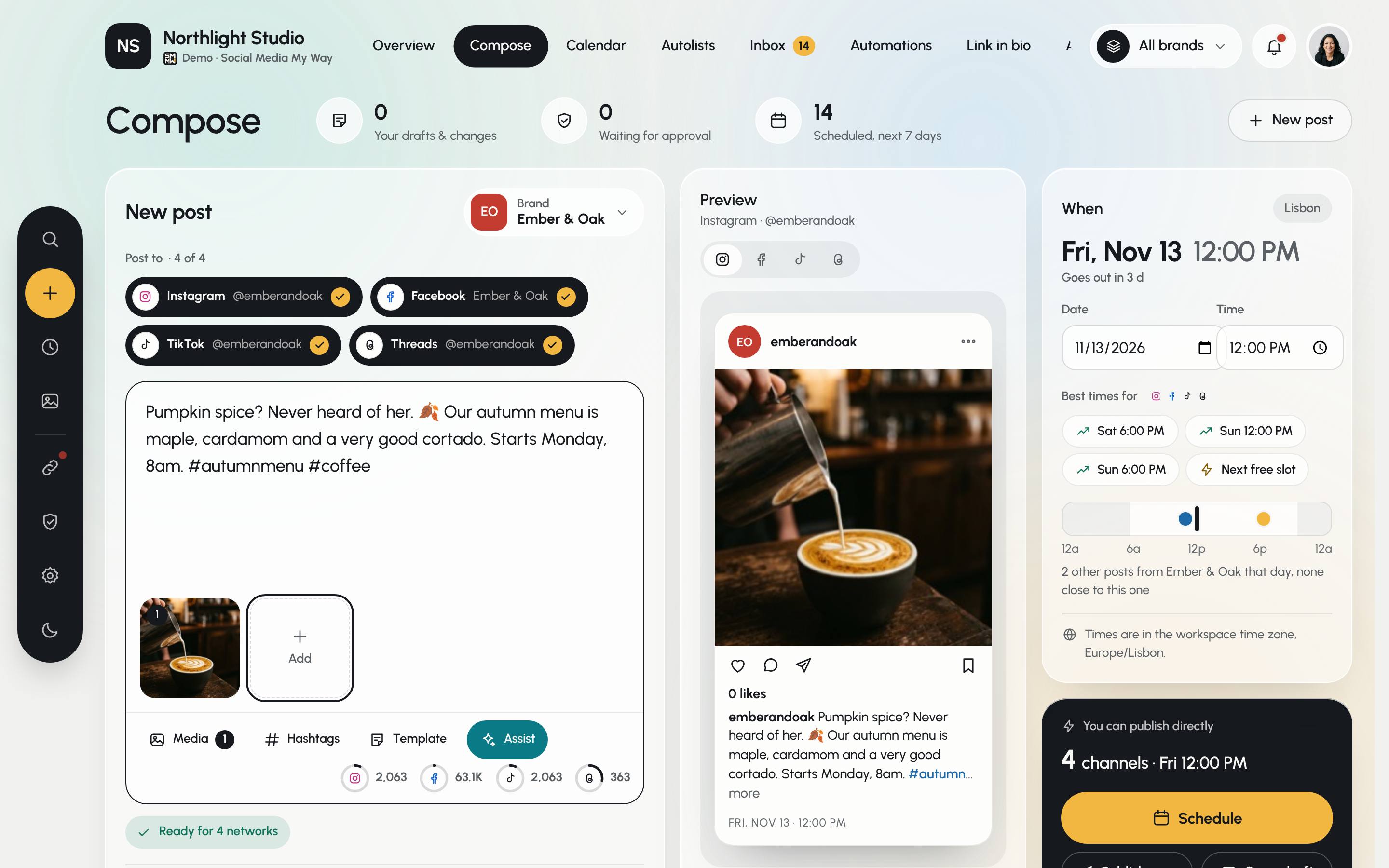
- Press CreatePick the brand and the channels it should go to.
- Write it onceCheck the preview for each network; the count turns red if a network’s limit is passed.
- Add photos or a videoFrom the library, or upload one. Videos can be up to 500 MB.
- Schedule or send for approvalPick a time (or a suggested best time). If your role needs a sign-off, it goes to Approvals first.
2 minutes
Get a client’s OK
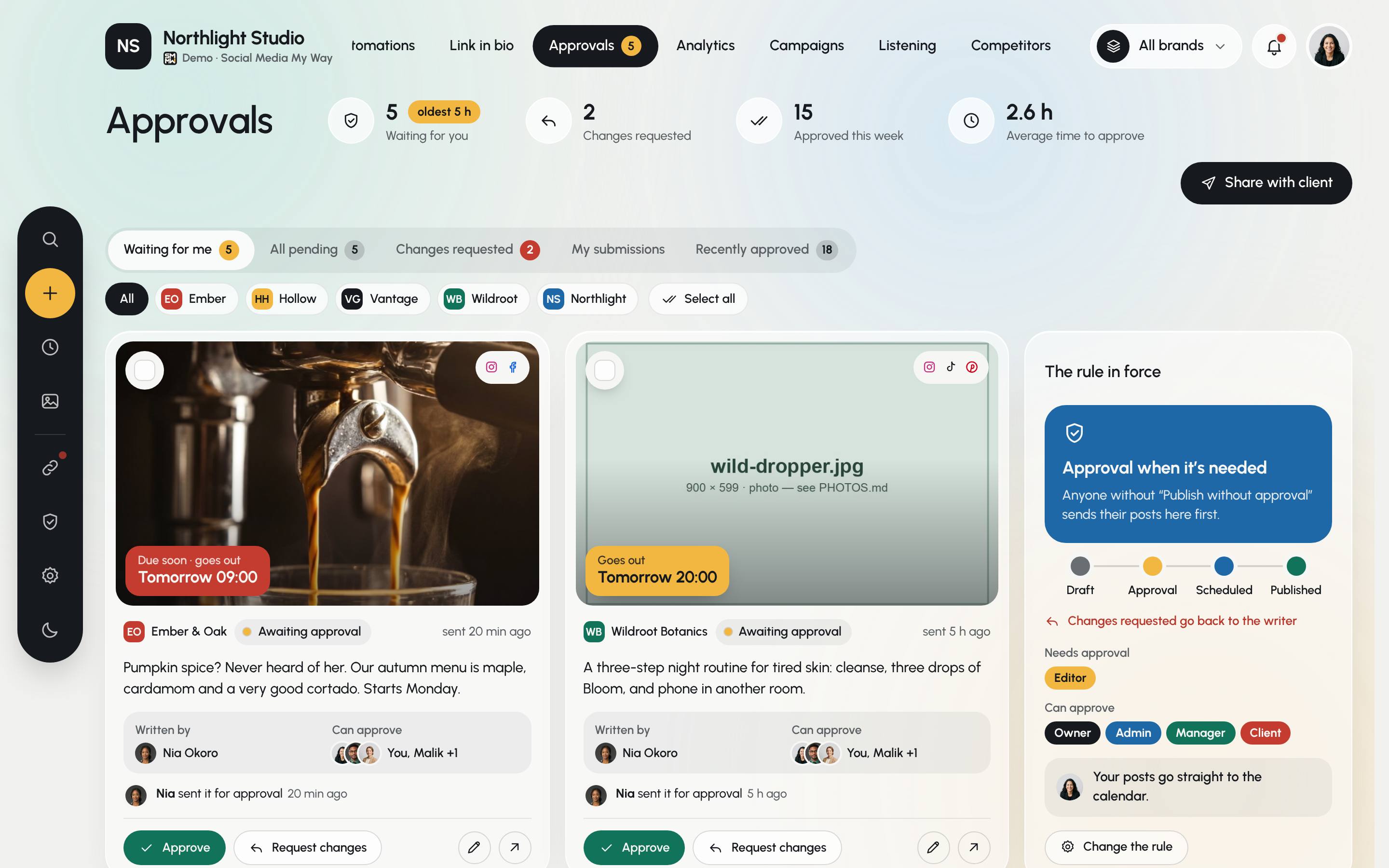
- Settings → ApprovalsChoose who needs approval: people without publishing rights, everyone, or nobody.
- Share a review linkYour client opens the posts on their phone, no account needed.
- They approve or ask for changesYou get a notification; approved posts go out at their time.
5 minutes
Turn comments into DMs
- Connect Instagram or Facebook with your Meta appWith the messaging permissions switched on (Setup → Connections).
- Automations → New ruleThe keywords to listen for, the message to send and the link to share.
- Pick the postOne post, or every post on the account. Add a public reply if you like, then switch it on.
3 minutes
Post from Google Drive
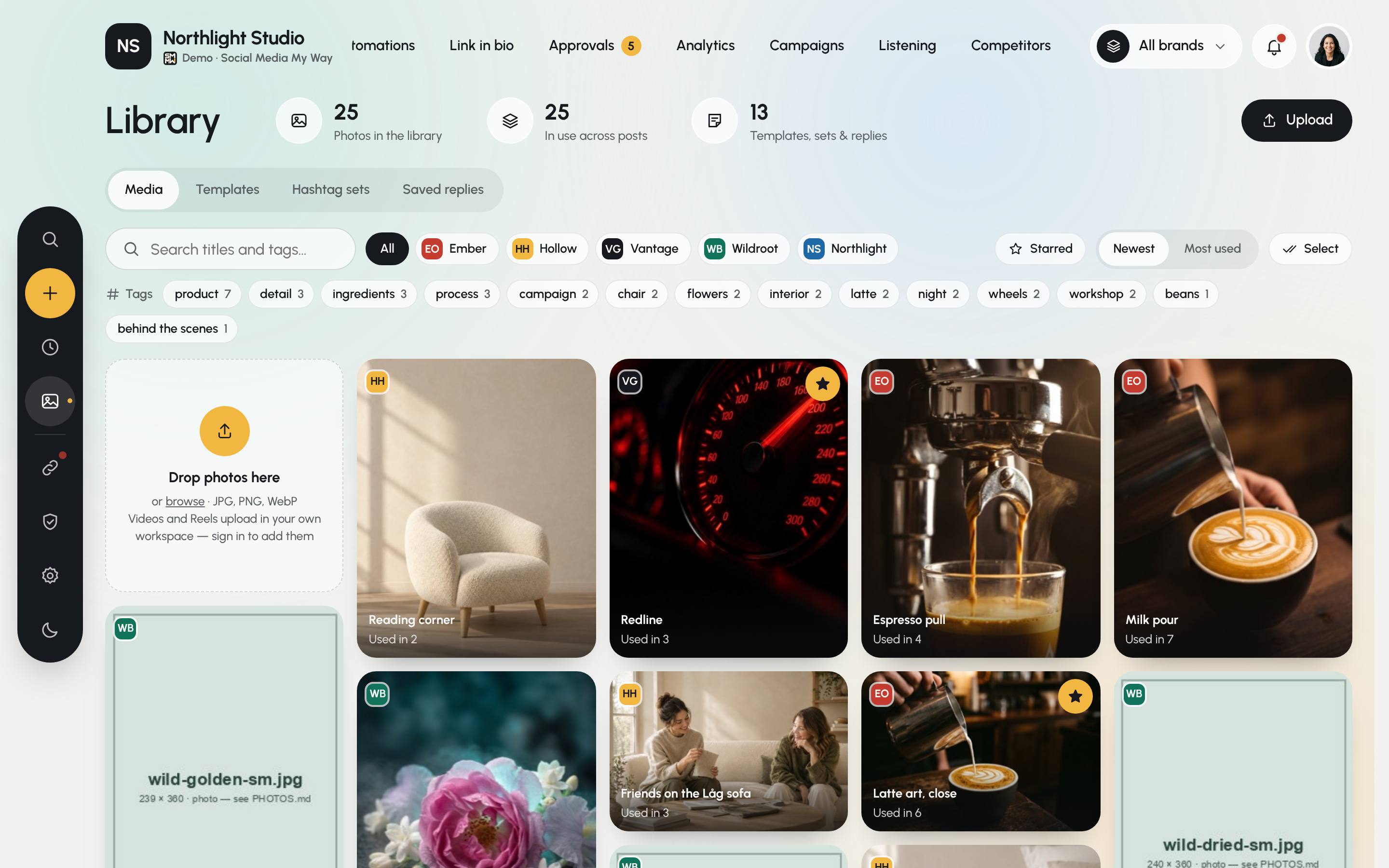
- Connect Google DriveSetup → Connections → Google Drive, and choose a folder.
- Add your Claude keyThe import writes posts with your own Claude account.
- Drop in a video and a briefsummer-menu.mp4 and summer-menu.txt with what to say. Numbered photos make a carousel.
- Approve the postsWithin five minutes they’re in Approvals, written for each network.
10 minutes
Plan a month from a spreadsheet
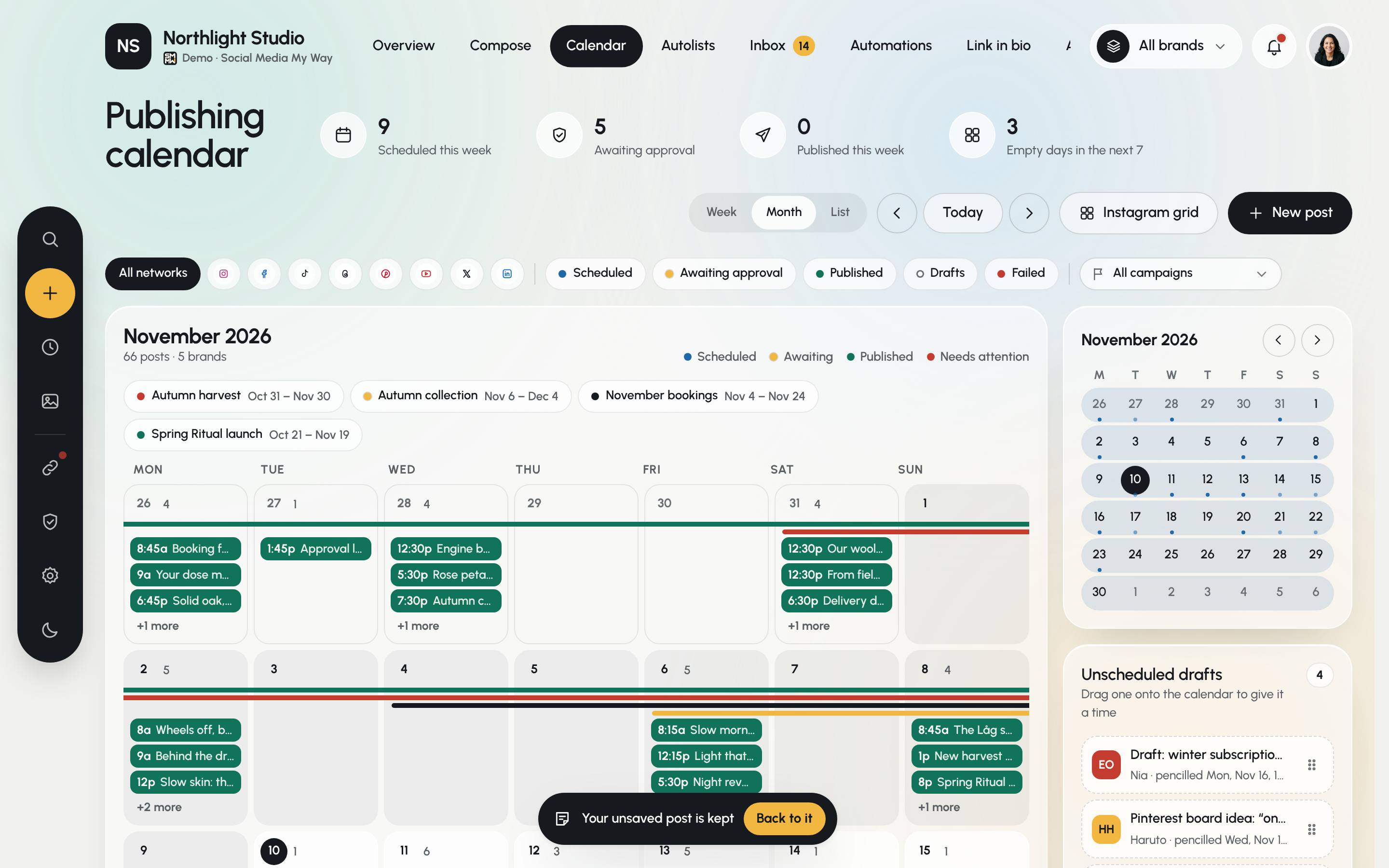
- Autolists → Bulk uploadOne row per post: date, time, text, networks, media, first_comment, link.
- Paste or upload the CSVEvery row is checked first: missing media, unknown networks and limits are flagged.
- Add themThey land on the calendar, with approvals where your role needs them.
2 minutes
Connect Claude or ChatGPT
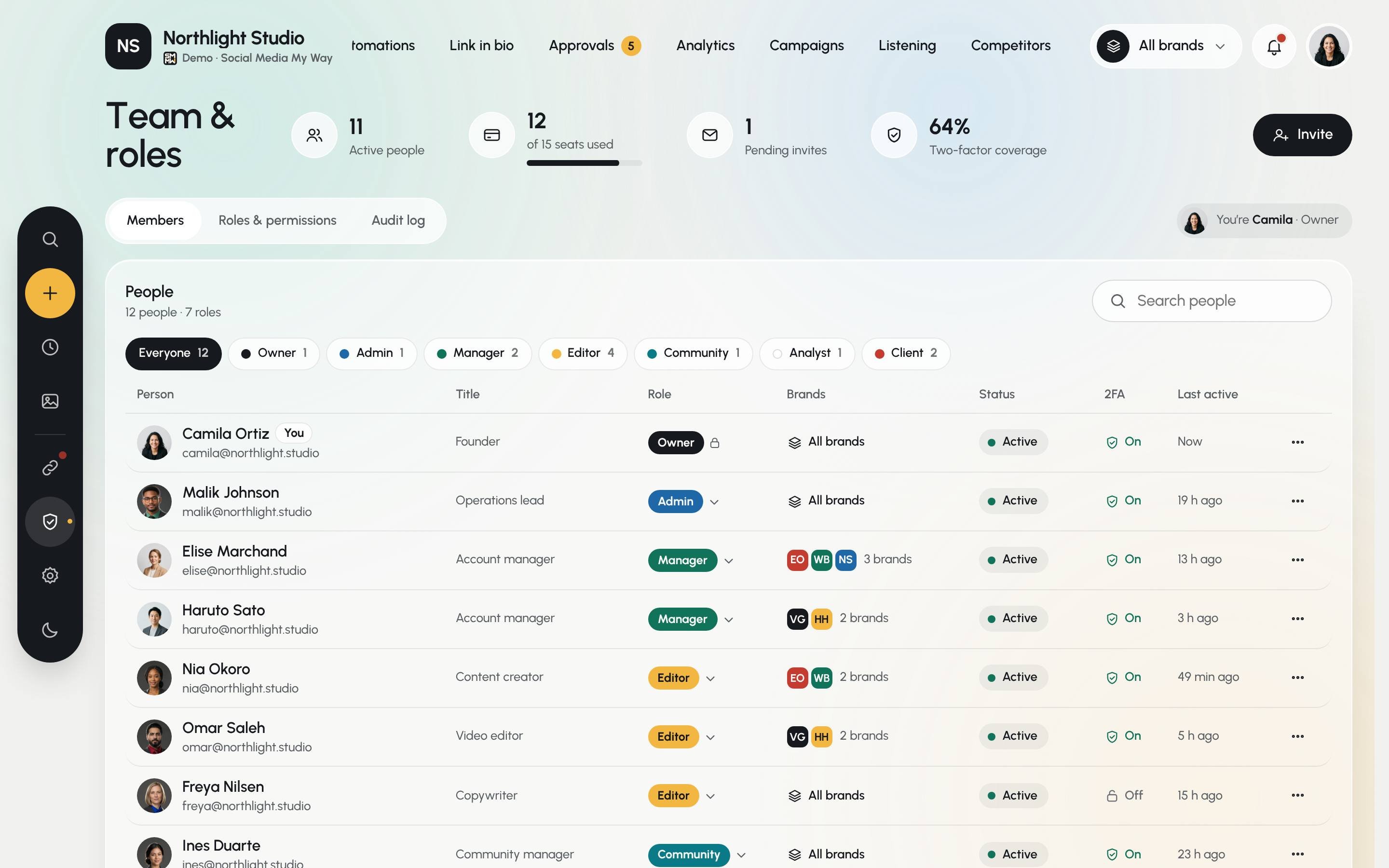
- Copy the addresshttps://socialmediamyway.com/mcp (also on the Ask AI page).
- Claude: Settings → Connectors → Add custom connectorPaste the address, press Add, then Connect.
- ChatGPT: Settings → Apps & Connectors → CreateTurn on Developer mode first, paste the address and choose OAuth.
- Sign in and press AllowThen just ask: “what’s going out this week?”, “draft a post for Friday…”.
Ready when you are.
Try everything free for 14 days, no card needed. Your first post can go out today.