
Features · Approvals
Nothing goes out without a yes.
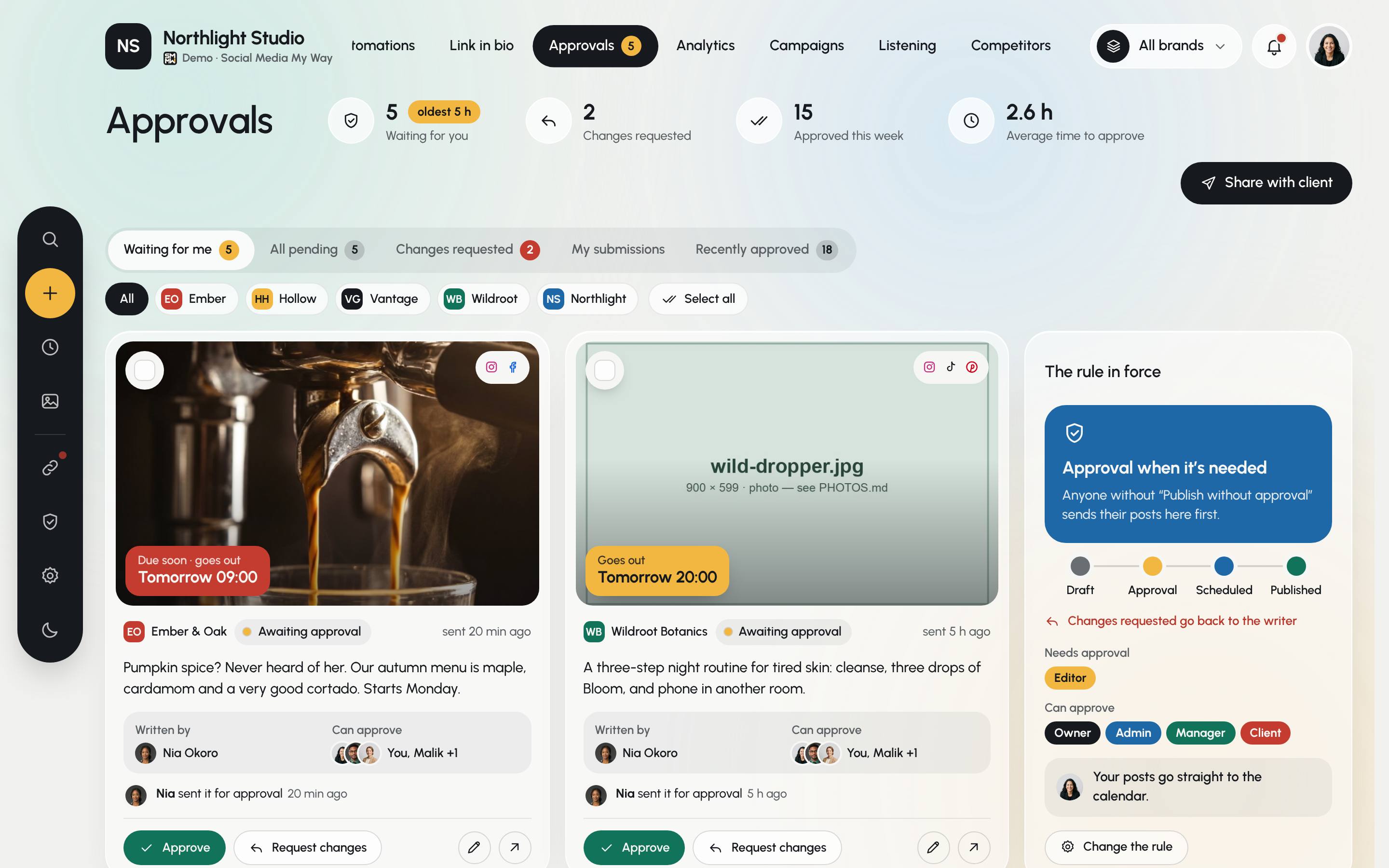
Decide who needs a sign-off, and let clients approve from a link on their phone. Every note and decision stays on the post.
How it works
Approvals, step by step
- Approvers are the people with approval rights on that brand
- Clients approving from a link don’t need a seat
- Webhooks when a client approves or asks for changes
- The full history of every post
- Set the ruleSettings → Approvals: people without publishing rights, everyone, or nobody.
- Send for approvalPosts that need it wait in Approvals, and approvers get a notification.
- Approve, change or commentOne at a time or in bulk. Asking for changes sends it back with your note.
- Share with a clientA review link opens the posts on their phone. No account, no password.
Questions
Can I approve my own posts?
Only if your role manages the team; otherwise someone else signs off.
Does a review link expire?
Yes, and you can withdraw one any time before that.
Do clients see other brands?
No. A review link shows only the posts you shared.
Goes well with
Your content, out there this week.
Try everything free for 14 days, no card needed. Your first post can go out today.