
For brands and in-house teams
One brand voice. Many hands.
Editors write, managers approve, and nothing goes out that shouldn’t. Every change is logged, and the AI you connect holds to the same rules as the person using it.
What changes
Posts going out unchecked
Choose who needs approval: by role, everyone, or nobody. Posts wait in Approvals until someone with the right role says yes.
Assets in five places
One media library per brand, with tags, videos up to 500 MB and alt text written for you.
AI with no guardrails
Claude and ChatGPT connect with each person’s own role: they can only draft, schedule or approve what that person could.
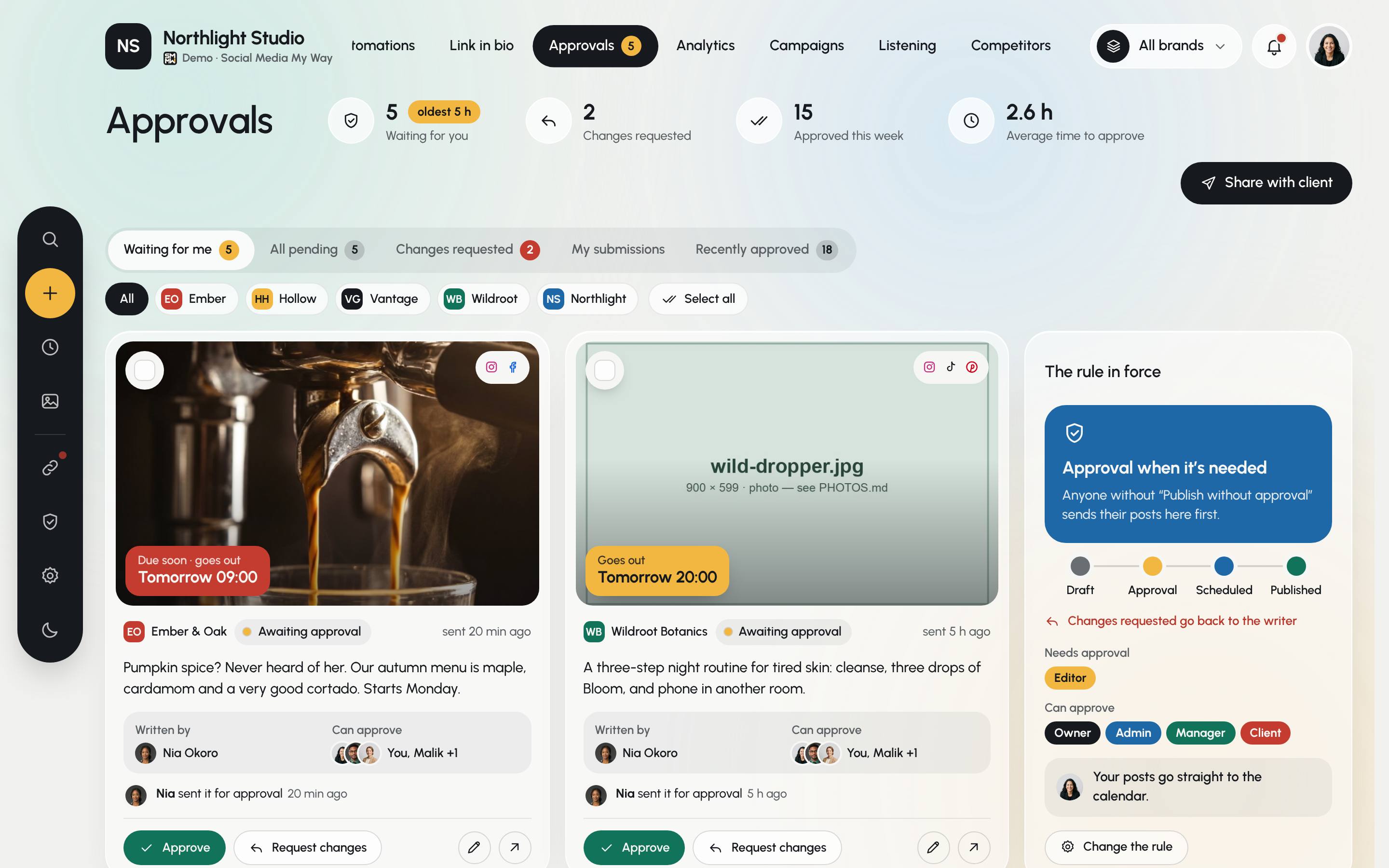
Approvals your clients can use
Choose who needs a sign-off. Posts wait in Approvals until someone says yes, and clients can review from a link.
- Approve, ask for changes or approve in bulk
- Client review links: no account, no password
- Notes and the full history on every post
- The approval rule is yours: by role, always or never
Roles, brands and your own branding
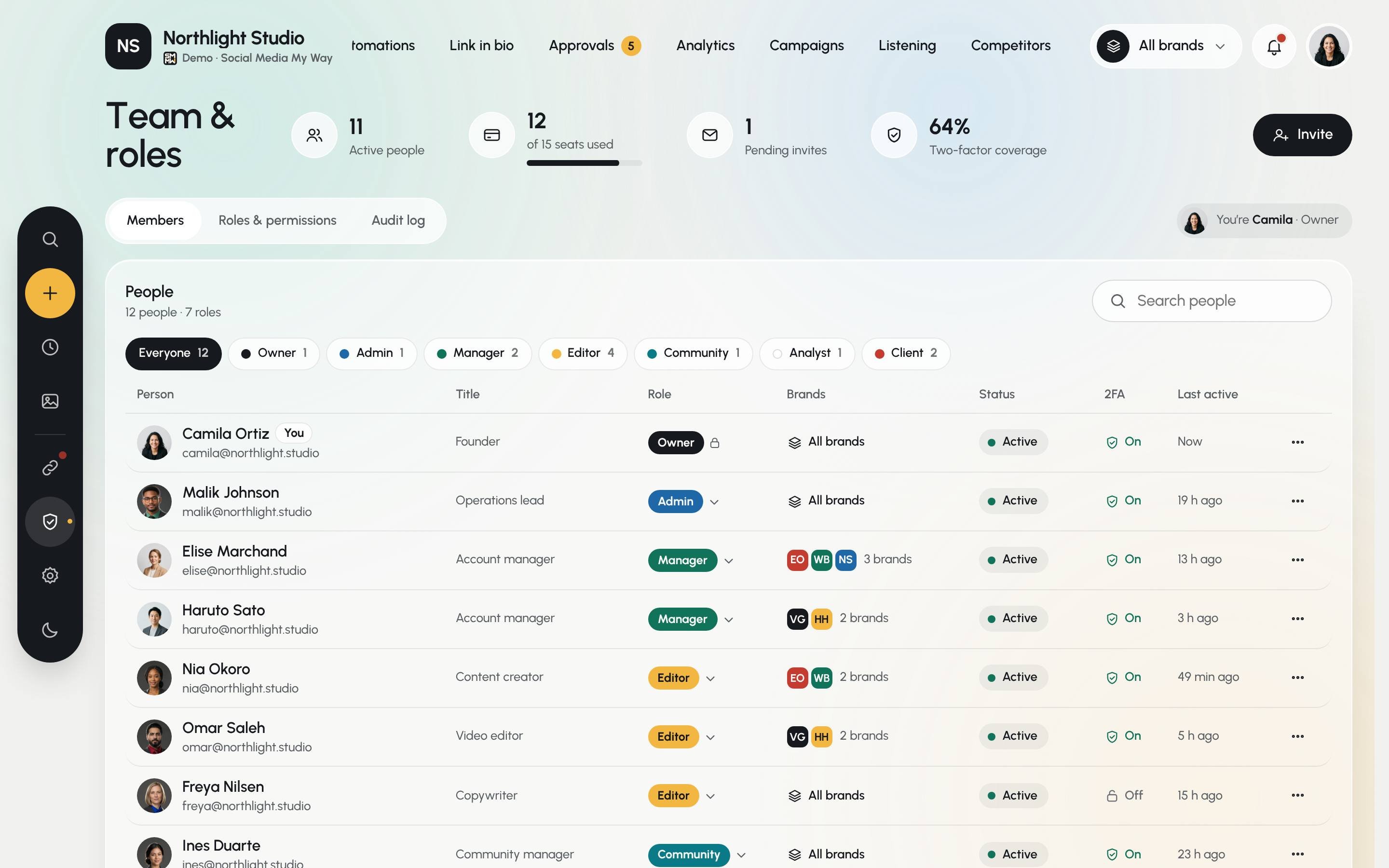
Seven roles, a permission matrix you can edit, and access brand by brand. Your workspace can wear your logo and colours.
- Owner, admin, manager, editor, community, analyst and client
- Per-brand access for each person
- Custom roles and an audit log
- Your logo and colours across the workspace
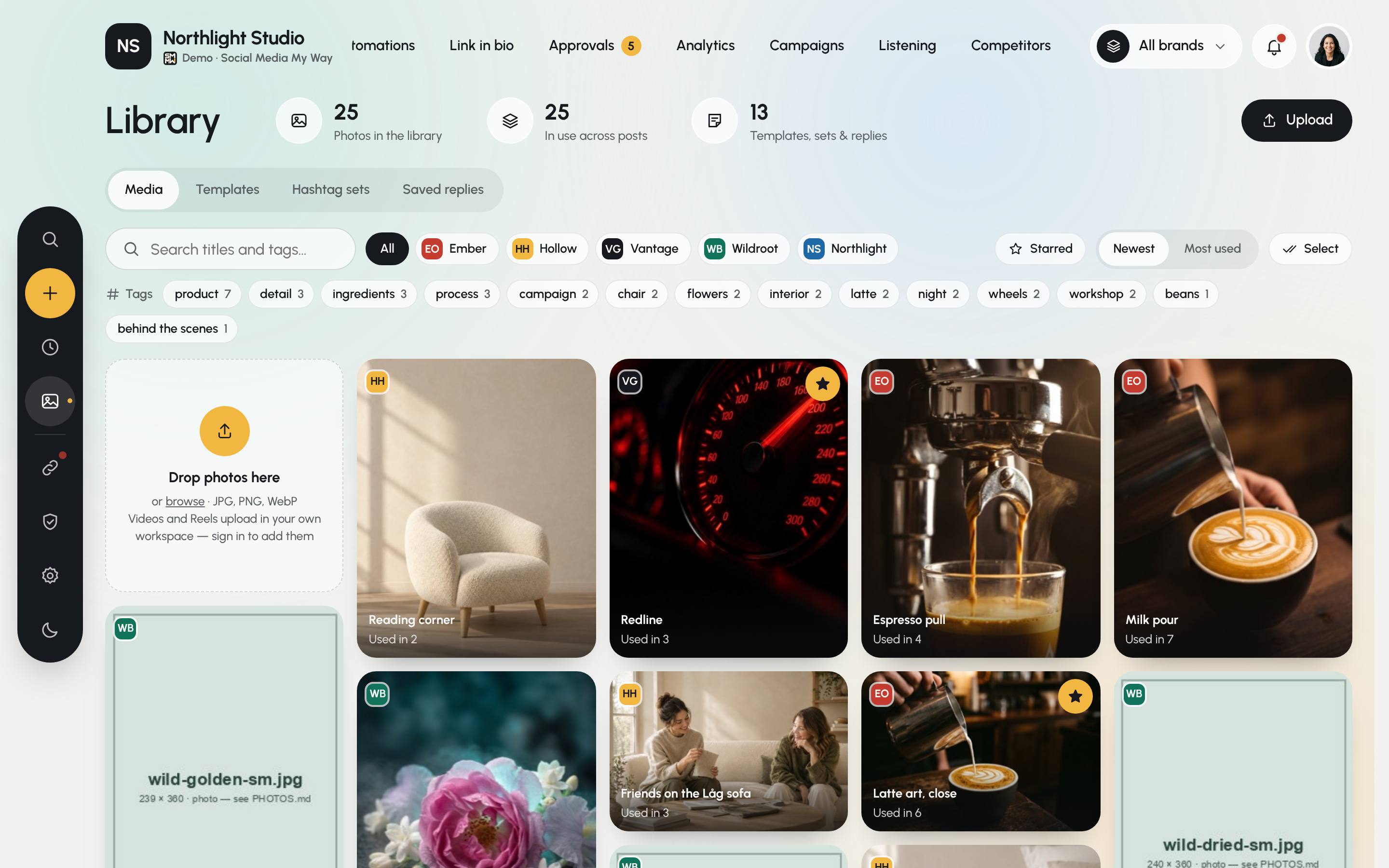
A media library for every brand
Photos and videos for each brand in one place, tagged and ready for the composer.
- Videos up to 500 MB for Reels, TikTok and YouTube
- Alt text written by Claude for screen-reader users
- Tags and search
- Videos are tidied away once they’ve been posted everywhere
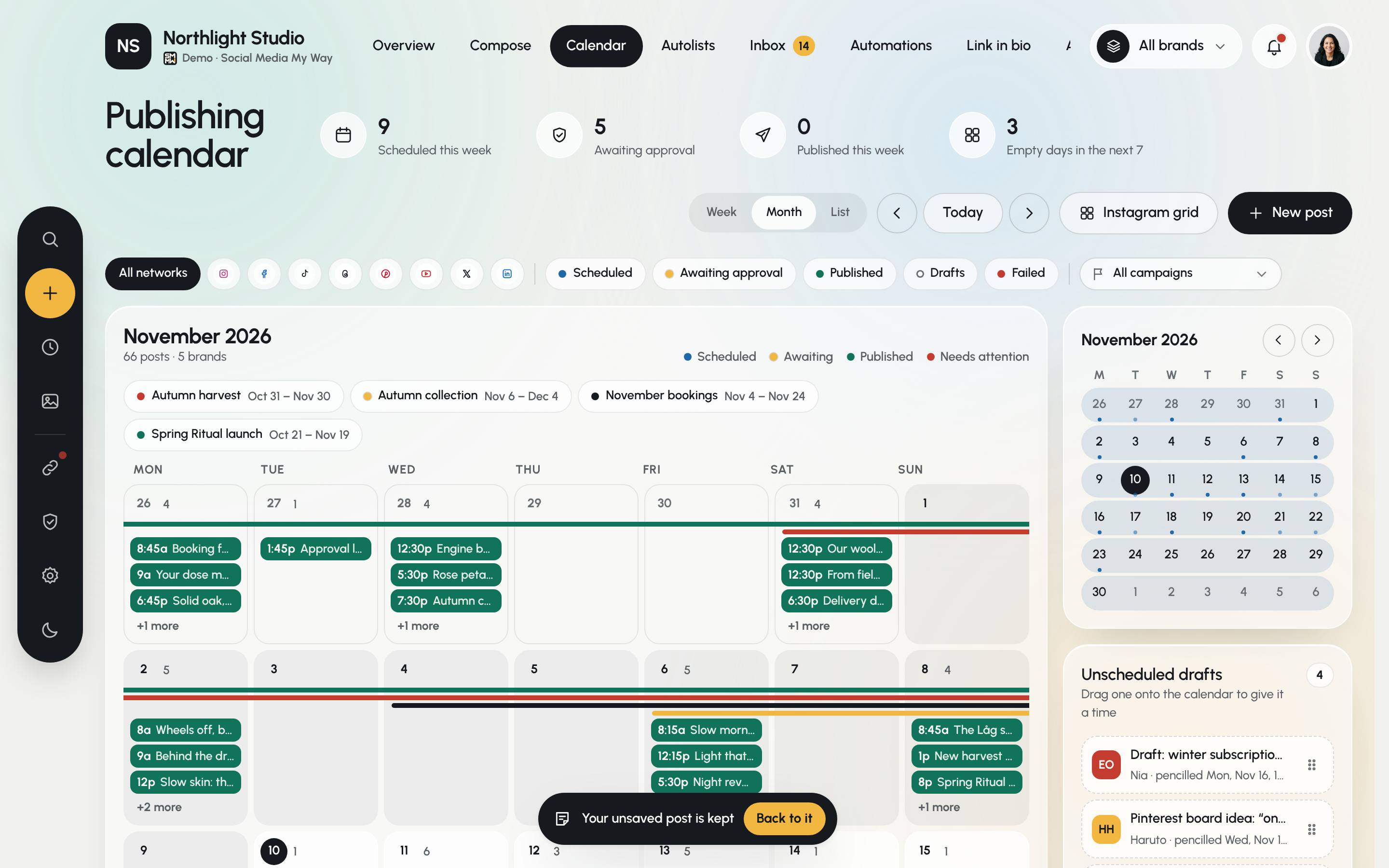
A calendar you can drag
Week, month or list. Drag a post to a new day and it goes out then, in your workspace’s time zone.
- Every brand and network on one calendar, or one at a time
- Best-time suggestions when you pick a slot
- The Instagram grid preview: swap posts until the grid looks right
- Filters by network, status and campaign
Claude and ChatGPT, on your calendar
Connect Claude or ChatGPT and just ask: “What’s going out this week?”, “Draft a post for Friday at 6pm”, “Turn on the MENU automation”.
- Paste one address, sign in and press Allow
- Reads posts, channels and the library; drafts, schedules and reviews posts
- Holds to your role: it can only do what you can do
- Works with any app that supports MCP connectors
Your blog, posted
Add a blog’s or news site’s feed and every new article becomes a post for the channels you pick.
- As a draft, waiting for approval, or going out on its own
- Your own template with the title and link
- Read every 15 minutes
- Adding a feed never floods the calendar with old articles
The plan that fits
Social Media My Way, €15 a month
Approvals, review links, RSS, the Claude & ChatGPT connector, custom roles and the audit log, for the whole team.
- Scheduling to all 10 networks
- Planner, calendar and the Instagram grid preview
- Approvals and client review links
- Media library with videos up to 500 MB
- Link in bio, analytics, Drive import and RSS
- Claude & ChatGPT connector and webhooks
- Your whole team, 1 brand included, extra brands €8 a month
Questions
Can legal or a client approve without an account?
Yes, from a review link. They can approve or ask for changes, and the note lands on the post.
Can we see who changed what?
Every post keeps its history and notes, and the workspace audit log shows every change.
Can approvals depend on the brand?
Yes. Approvers are the people with approval rights on that brand.
Also made for
Your content, out there this week.
Try everything free for 14 days, no card needed. Your first post can go out today.